

API Config
Create an AutoScribe API key, set webhook endpoints, and save your webhook signing secret.
Create and configure an API key in the AutoScribe dashboard before you write any SDK calls. The key authenticates study creation and other API requests. Webhook URLs and the webhook signing secret live on the same API Config row.
Creating an API key
Section titled “Creating an API key”-
After logging in, open API Config in the sidebar.
-
Click Create API Key.
-
Configure the following values:
- Description: A human-readable label so you can tell keys apart in the dashboard
- Study scope: Self or All
- Self: For teleradiology groups with multiple integrating PACS sources. Each PACS can only access, edit, and manage its own studies
- All: For a unified source of studies, or for PACS companies integrating AutoScribe into their platform
- User access: None, Read, or Write — whether this key can invite and manage users
- Express customer access: For integrators (PACS companies or EHR/RIS companies) serving AutoScribe as a product to their customers. Otherwise leave None
- Webhooks — Optional; leave blank to disable. You almost never need all six. Choose which to set on What webhooks should I configure, then implement in Node.js, TypeScript, Python, Java, or C#.
- Study Data: Presigned GET URLs so the viewer can load DICOM
- Report Data: Signed report delivered to your system
- Secondary Capture: Presigned PUT URLs to save viewer captures to your storage
- Modality Worklist: C-FIND worklist for Avara PACS / on-prem (one active key per org)
- Patient/Study Enrichment: Soft EHR demographics when Avara PACS creates a study
- Clinical Context Enrichment: Soft pull of indication, priors, and documents at read time
-
Once the API key is created, save it to your environment variables as
AVARA_API_KEY. You will not be able to view the key again.
Editing webhook endpoints
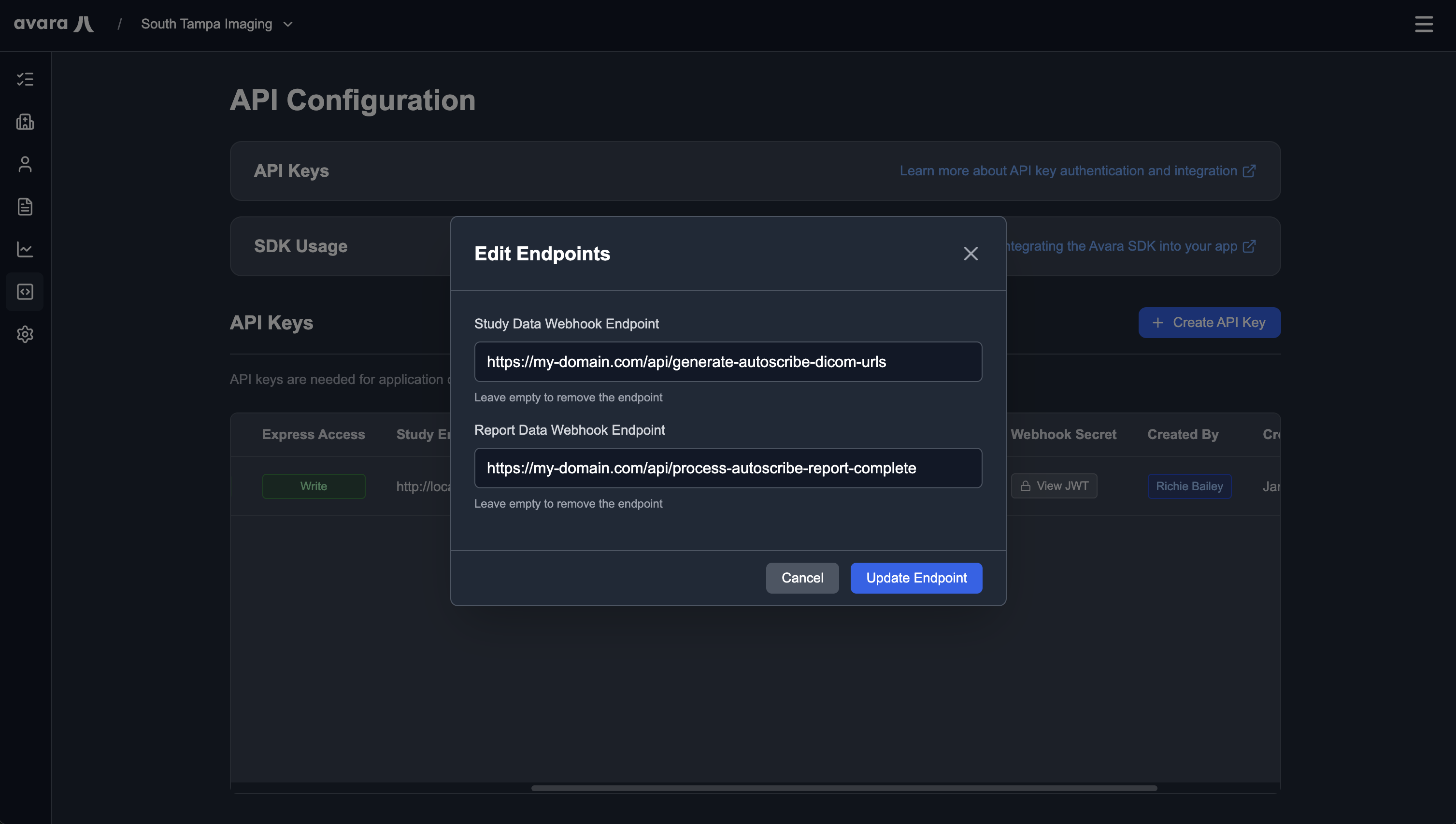
Section titled “Editing webhook endpoints”To change webhook URLs after the key exists, click Edit Endpoints on that API config row.
Viewing the webhook secret
Section titled “Viewing the webhook secret”The webhook signing secret is generated with the key. Click View Webhook Secret on the API config row. You can view this secret at any time.
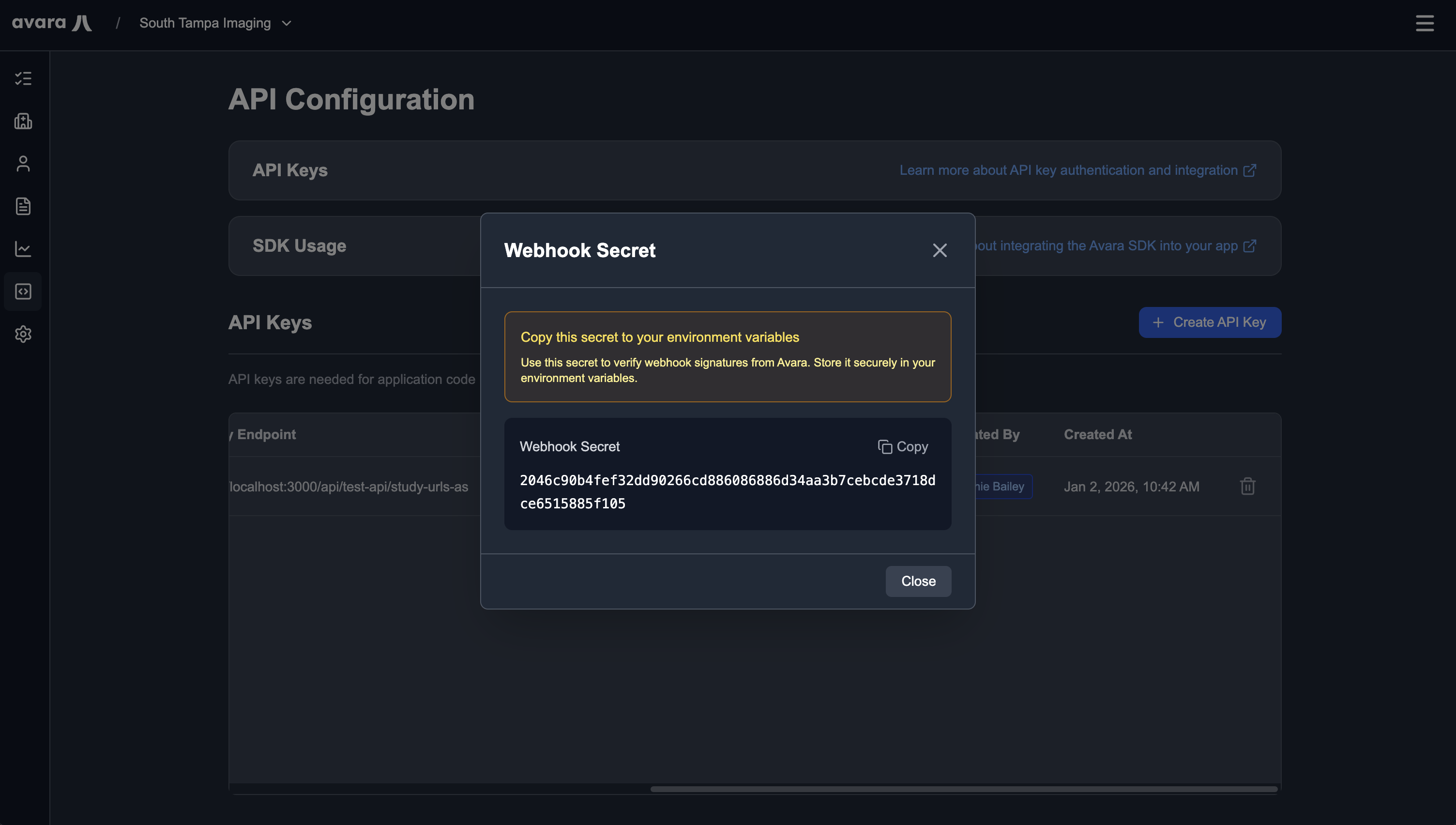
Save it as AVARA_WEBHOOK_KEY. The SDK unwrap() method reads that variable to verify Standard Webhooks signatures (webhook-id, webhook-timestamp, webhook-signature).